in: Art, Visual effects, Overworld VFX groups
Panels VFX
In the alpha Art · facts checked 2 November 2026
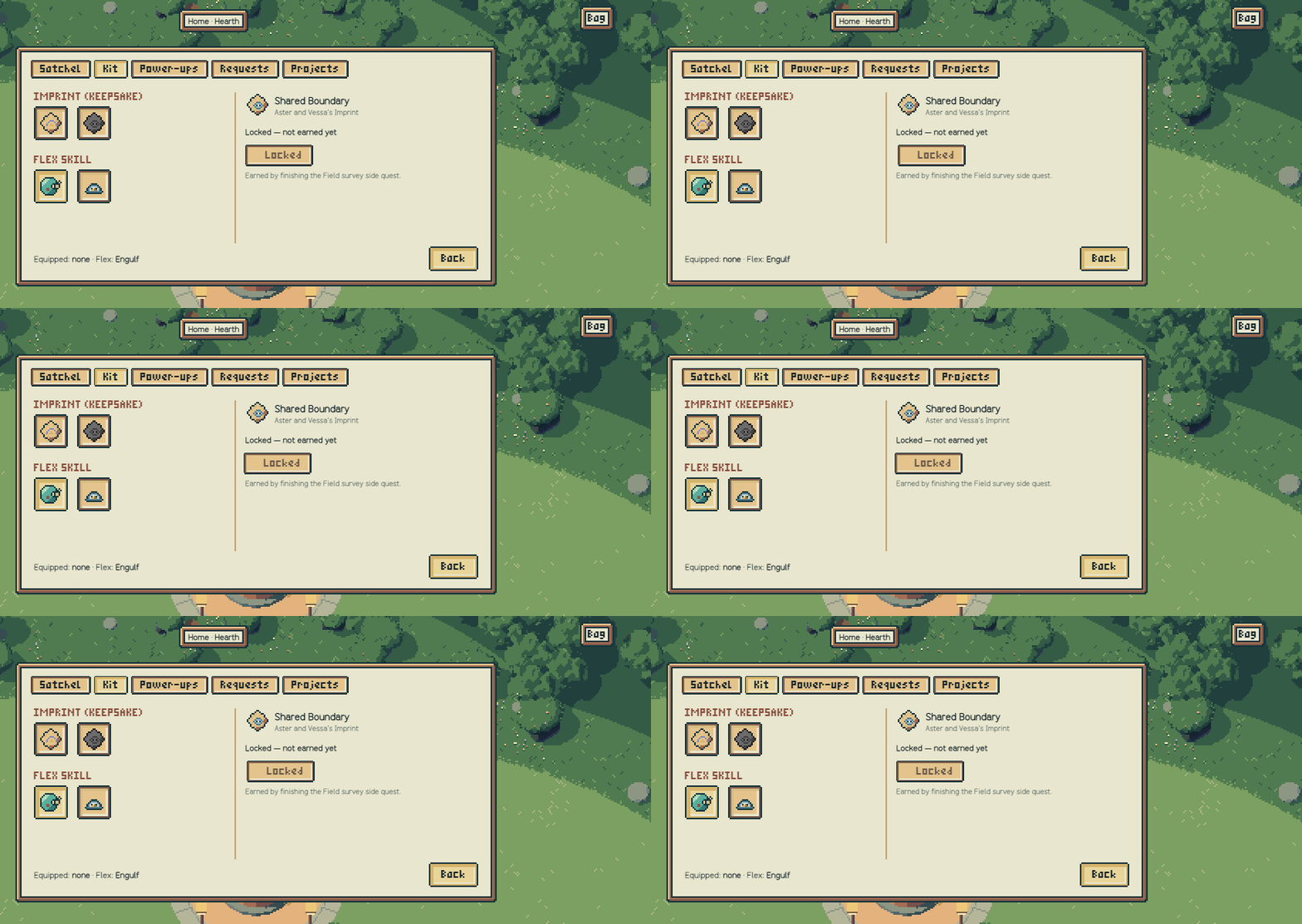
Panels VFX is the effect group for menus, panels and the inventory. It was the top priority after the first VFX slice. In blind rounds 4–5 of that slice, no button showed a pressed state, so for about 600 ms nobody could tell which choice had been made.
How it works#
Each state has one shape, never colour alone.
| State | Shape |
|---|---|
| Hover (mouse only) | Two diagonal corners |
| Keyboard focus | Four corners plus the HUD's stable gold outline |
| Pressed | The control sinks: an ink inset at the top and left, with the label and icon kept still |
| Released by sliding off | The corners open outward; nothing changes |
| Viewing (active tab or item) | A short cream bar under the control |
| Equipped | An ink tab with a gold tick, plus the HUD's selected slot frame |
| Locked (not earned) | A padlock tab and a darkened icon |
| Disabled here and now | A dotted button frame and a muted label |
Owning an item is not equipping it, so only the equipped item gets the tick. Rapid input reverses cleanly, and a panel opens with a small notch under the control that opened it.
Development#
- Critique: two blind rounds. Round 2 said of the press: "Which button was pressed: Yes, every time … the strongest part of the set."
- No-words pass: after the user's ruling, the panels group lost its text bars and kept only light, shake, press and corners (
106856bdand earlier). - Back and Close sit 6 units under the last row, with clear air above them (approved,
8236b5b3). - In the alpha:
panels.jsis vendored unchanged fromclaude/vfxa0ba90a7a.
Gallery#
See also#
Sources#
a0ba90a7a:docs/vfx/groups/panels.mda0ba90a7a:docs/ops/agent-messages/2026-11-01-claude-vfx-catalogue-groups.mdb89f778c2:src/main-game/game/INTEGRATION.json
What links here (30)
- Art direction
- Astro VFX
- Build VFX
- Care VFX
- Character sprites
- Encounter backgrounds
- Environment art
- Flow
- Hearth podium
- Home art
- Home VFX
- Icon labels
- Inventory HUD
- Movement VFX
- Orders VFX
- Palettes
- Places dialog
- Pressure front VFX
- Pull and Glide VFX
- Quest scroll
- Quests VFX
- Run HUD
- Studios interior
- Survey VFX
- Tendrils
- Threadway 3D scene
- Typography
- Vessel VFX
- VFX
- Ward VFX